Powerful Mapmaking Software for Worldbuilders and Game Masters
Developer: ProFantasy Software
Platform: Windows (with workarounds for Mac/Linux)
Category: Cartography / Worldbuilding Software
Price: ~$40 base (with many optional add-ons)
Introduction
For worldbuilders, dungeon masters, and fantasy authors, maps are more than visuals—they’re storytelling tools. Campaign Cartographer 3+ (often abbreviated as CC3+) is a mapping program that promises to bring your fantasy worlds to life with professional-quality output. Developed by ProFantasy Software, it’s been a mainstay in the tabletop RPG space for over two decades.
This review explores CC3+ in depth: its features, usability, strengths, and limitations. While its learning curve can be intimidating, the depth and flexibility it offers make it a favorite for serious cartographers and GMs alike.
What Is Campaign Cartographer 3+?
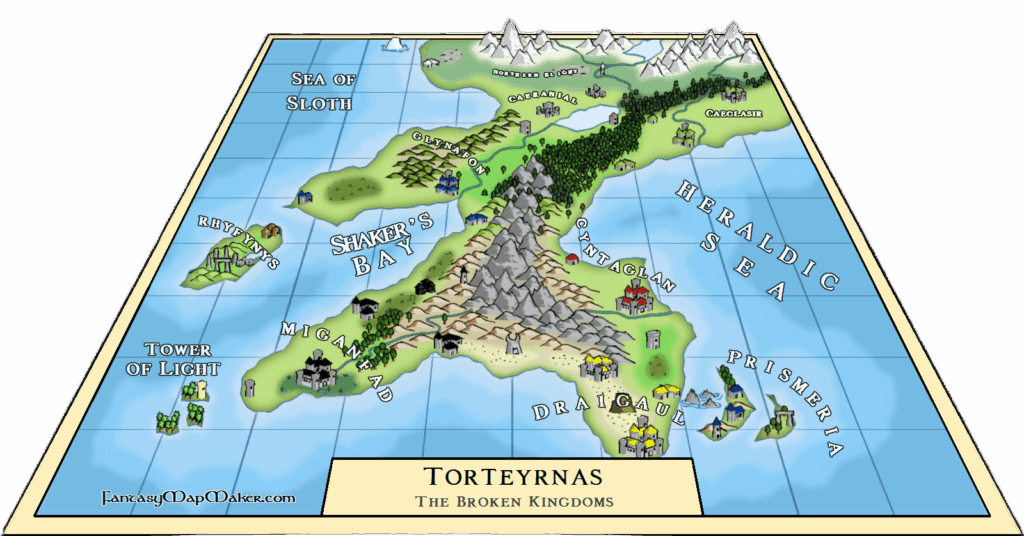
CC3+ is a vector-based cartography tool that lets you create detailed maps for tabletop RPGs, novels, and video games. It’s built on a CAD (Computer-Aided Design) engine, giving it precision and control far beyond most other fantasy map tools. But this also makes it behave more like architectural software than a drag-and-drop app.
The software allows users to build:
- World maps
- Continental regions
- City layouts
- Dungeons and battle maps
- Space and sci-fi maps (via add-ons)
At its core, CC3+ is a toolbox rather than a guided experience. With it, you can make stunningly detailed maps—but you’ll need to put in the time to learn how.
User Interface and Learning Curve
The UI is both a strength and a weakness. If you’re used to AutoCAD or GIS software, CC3+ will feel familiar. For most users, though, the interface is dense, dated, and intimidating at first glance. Dozens of buttons, drop-downs, and commands crowd the screen. Menus aren’t always intuitive, and terminology (e.g., “sheets,” “layers,” “multipolies”) can feel arcane.
However, ProFantasy offers excellent tutorials, manuals, and videos that walk new users through the basics. After a few hours of practice, you’ll begin to understand the logic of how tools are layered and how to control elements.
Some concepts that set it apart:
- Sheets: Like Photoshop layers, but each sheet also includes effects (e.g., shadows, glows).
- Symbols: Pre-made art assets that can be placed, rotated, and scaled (trees, cities, mountains).
- Drawing Tools: Specialized tools that generate terrain types with auto-styling.
- Entities and Commands: Objects are selectable and editable with CAD-like precision.
This isn’t a software you “just pick up and play.” But for those who invest the time, the power becomes clear.
Styles and Art Assets
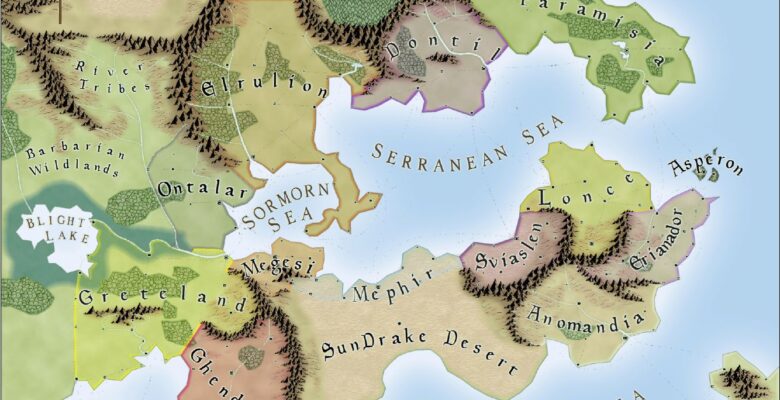
One of CC3+’s biggest strengths is its diverse visual styles. From classic fantasy parchment to modern, black-and-white technical maps, the software comes with multiple visual aesthetics built in—and many more are available through add-ons.
Some examples of styles:
- Mike Schley Overland: Painterly and colorful, a favorite among fantasy GMs.
- Jon Roberts Style: A more muted, gritty alternative.
- Fantasy Cities and Dungeons: Adds highly detailed interior and urban styles.
- Sci-Fi and Modern: Optional add-ons like Cosmographer 3 or Modern Floorplans expand into other genres.
These assets are vector-based or symbol-based, meaning they scale well without resolution loss and allow precision editing.
Custom symbols and new styles can be added manually, though doing so may require working with external image files and some patience.
Map Types and Flexibility
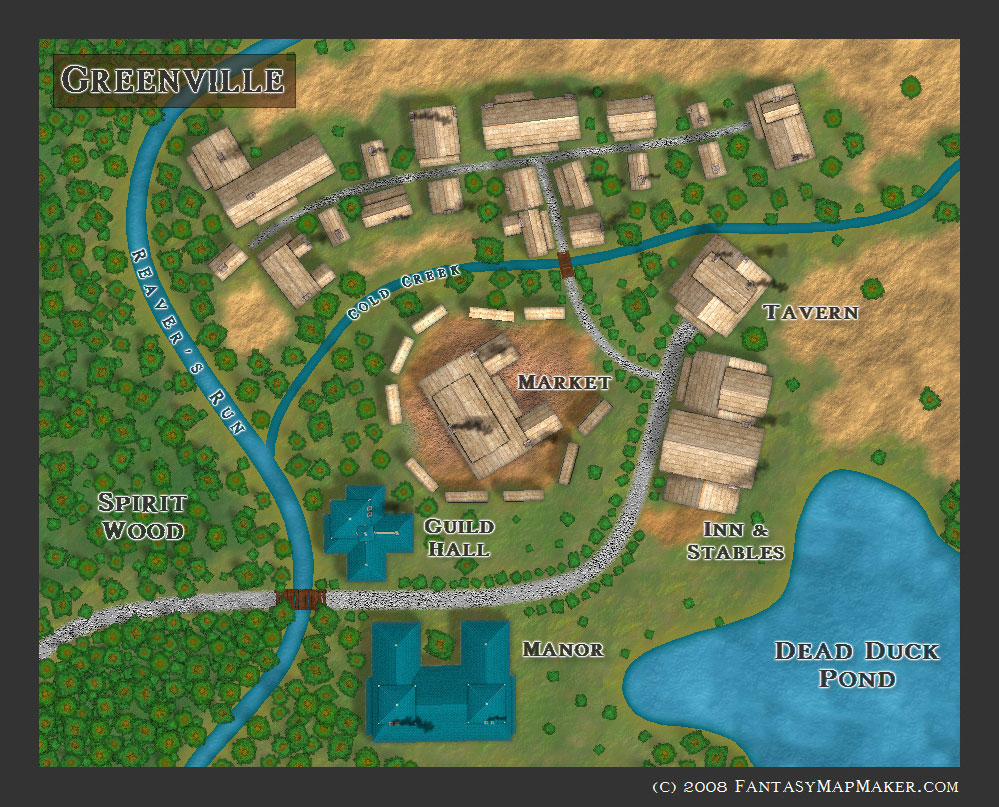
CC3+ excels in flexibility. You can build nearly any type of map you need:
🌍 Overland Maps
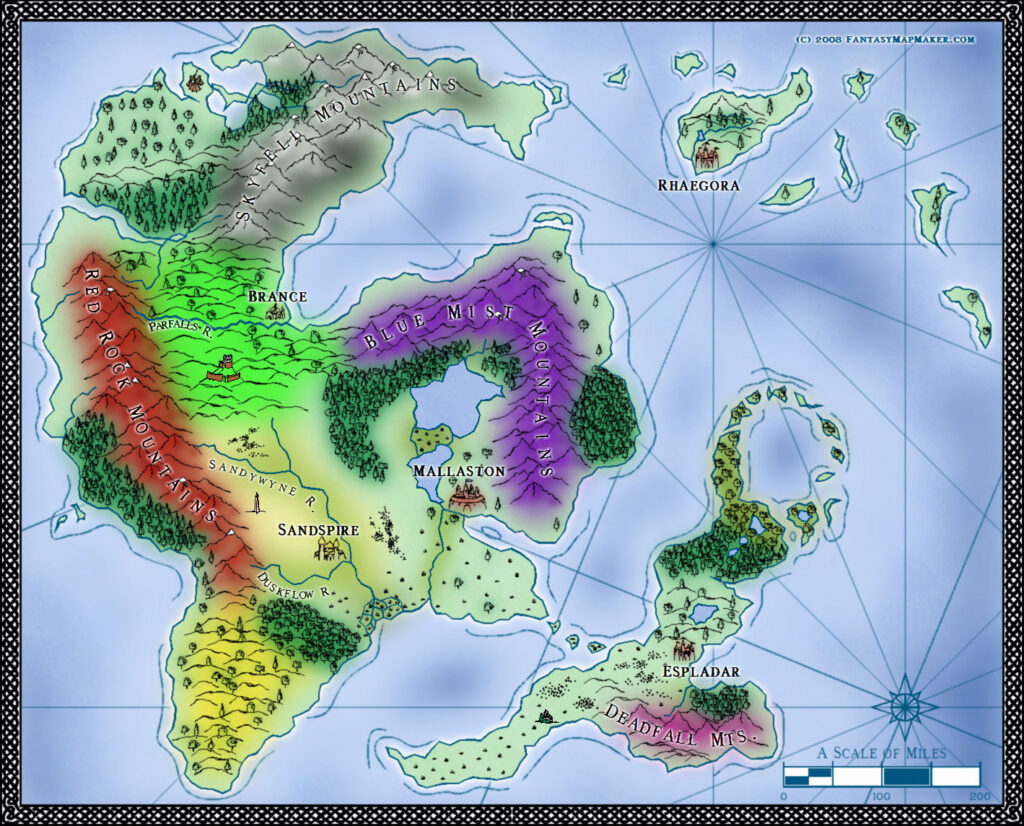
Perfect for worldbuilding—draw coastlines, mountain ranges, biomes, and political borders with ease.
🏰 City and Town Maps
With City Designer 3 (an add-on), users can generate cities either procedurally or manually, place building types, roads, districts, etc.
🧭 Dungeons and Interiors
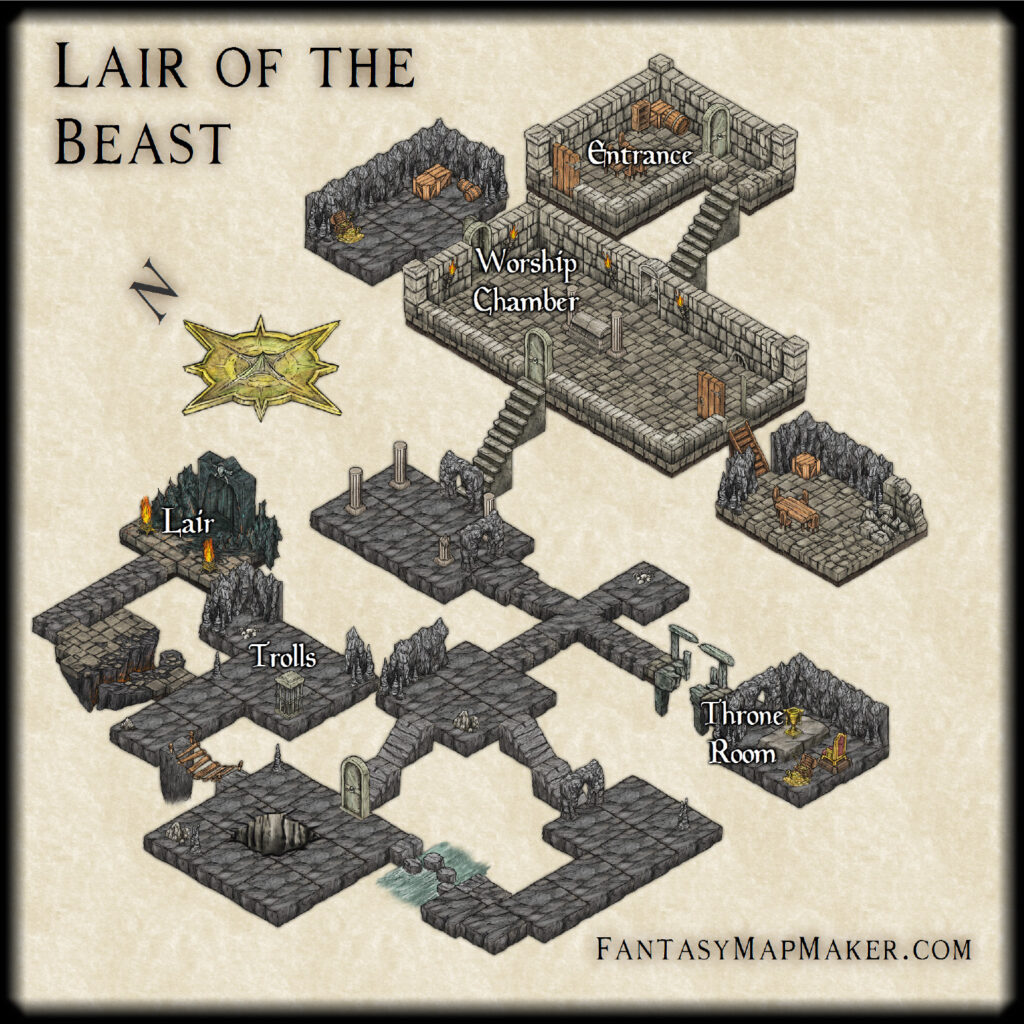
Dungeon Designer 3 adds walls, traps, lighting, and dungeon dressing. Interior maps can be printed for tabletop use or used in VTTs (Virtual Tabletops).
🚀 Sci-Fi and Space Maps
Cosmographer 3 lets users make starships, galactic maps, and deckplans for science fiction settings.
Whether you want a hand-drawn Tolkien map or a technical dungeon grid, CC3+ provides the tools—but not always the hand-holding.
Performance and Output
CC3+ performs well on most modern PCs, even when working with large, complex maps. Since it’s vector-based, file sizes remain small, and performance doesn’t degrade quickly.
Maps can be exported as:
- PNG
- BMP
- JPG
- SVG (with some tweaking)
This makes them compatible with virtual tabletops (VTTs) like Roll20, Foundry, and Fantasy Grounds—though setting up proper grid scales takes some trial and error.
Print resolution is strong enough for poster-sized outputs if needed. The software supports high DPI exports for professional printing.
Add-ons and Expansion
CC3+ is modular. While the base product includes many features, the real depth comes with expansions. Notable add-ons include:
- City Designer 3
- Dungeon Designer 3
- Symbol Set 4 (various art packs)
- Perspectives 3 (3D-looking interior maps)
- Cartographer’s Annuals (monthly content packs with new styles and features)
This modular approach allows you to expand as needed but can become expensive if you want it all.
Community and Support
ProFantasy maintains an active online community, including:
- Forums
- A Facebook user group
- YouTube tutorials
- An official blog with weekly tips
Customer support is prompt and helpful, and there are third-party tutorials, example maps, and templates shared frequently. The Cartographer’s Annuals subscription also keeps content fresh for long-time users.
Strengths
✅ Extremely powerful and precise
✅ Professional-grade output
✅ Massive symbol libraries and art styles
✅ Highly customizable and modular
✅ Dedicated, long-standing community support
✅ Scales to any map size or genre
Weaknesses
❌ Steep learning curve for new users
❌ Dated and cluttered interface
❌ Windows-only (Mac/Linux users need emulation/workarounds)
❌ High cost when all add-ons are included
❌ Limited automation compared to newer, AI-driven tools
Ideal For…
- Dungeon Masters running homebrew worlds
- Fantasy authors and game designers
- Players wanting pro-level mapping tools
- Fans of vector-style cartography with full control
Not Ideal For…
- People who want instant drag-and-drop map creation
- Mac-only users
- Casual GMs needing a quick map between sessions
- VTT-focused users preferring dynamic lighting and automation (consider Dungeon Alchemist, Inkarnate, or Wonderdraft)
Final Verdict
Campaign Cartographer 3+ is not for the faint of heart, but for those who are willing to climb the learning curve, it delivers best-in-class precision, flexibility, and long-term value. It remains one of the most powerful fantasy mapping tools available in 2025, especially for creators who need detailed, printable, and professional maps.
While its interface may feel intimidating at first, the reward is full control over your world’s geography—one contour line, castle, and river at a time.